One app, every real device
Upload your .ipa or .apk — no Apple ID on iOS — and drive it live on a real iPhone, iPad or Android device, right in your browser tab.
Free device-minutes to start · no credit card · no Apple ID on iOS
One build, installed and running on every real device
Your users are on hardware you'll never own
Upload your build once and run the real thing — the same .ipa or .apk your users install — live on a real iPhone, iPad or Android device, straight from your browser. No Apple ID, no Mac.
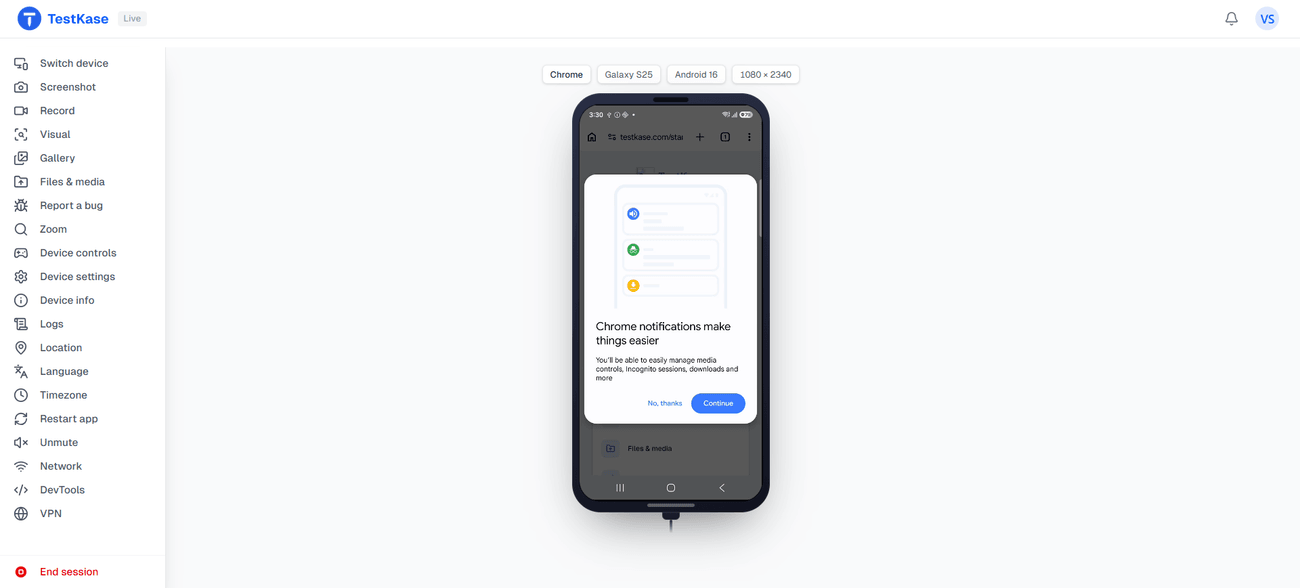
Three ways onto the device
Upload your .ipa or .apk
Bring your own build and we install it on the device you pick — no Apple ID on iOS.
Reinstall from My apps
Every build you upload is kept — put an earlier version on a fresh device in one click.
Install from the store
Testing something published? Pull it from the App Store or Play Store inside the session.
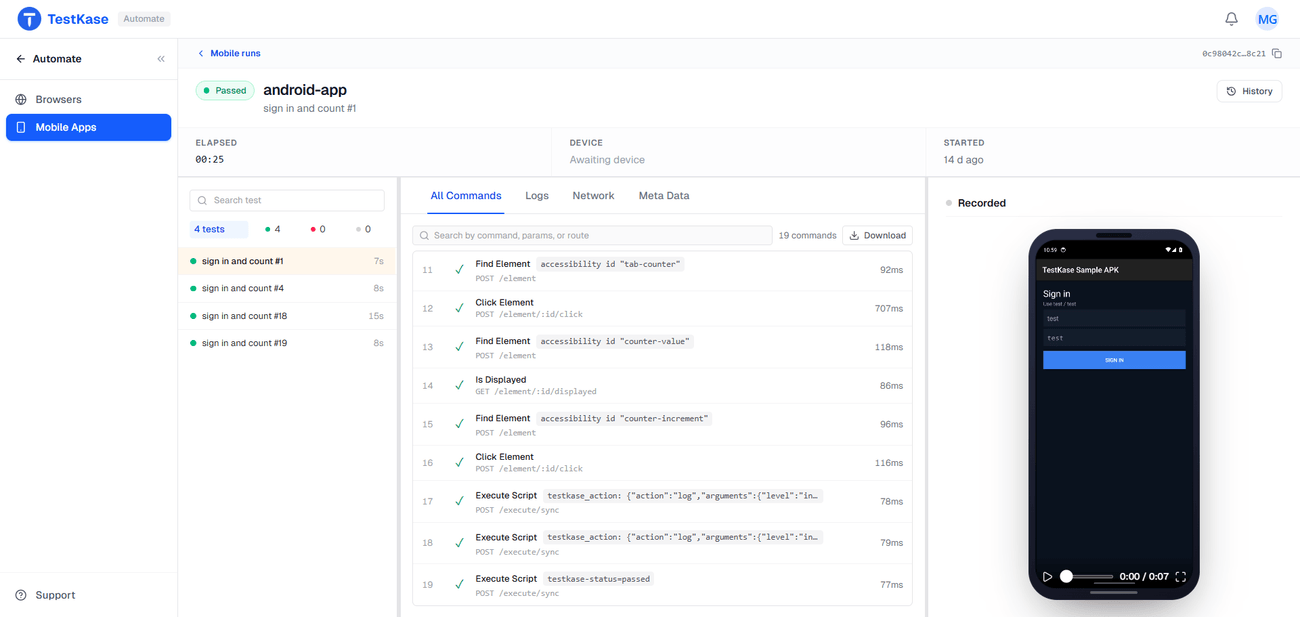
Reproduce it, then hand over the proof
When your app misbehaves on real hardware, see why — and give whoever fixes it a clean repro instead of a description.
- Device logs, live. Watch what your app prints as you reproduce — no cable, no leaving the session.
- Crash and error details. When your app crashes or throws, catch exactly what went wrong on real hardware.
- Screenshot to the ticket. Grab the device screen at any moment and attach it straight to a bug report.
- Record the whole session. Capture a hard-to-explain bug start to finish, then share the exact repro.
iOS and Android, on real hardware
iOS — your .ipa, no Apple ID
Install your build on real iPhones and iPads, or pull a published app from the App Store.
Android — your .apk
Install your build on real phones and tablets, or from the Play Store inside the session.
Real hardware by default
App sessions run on genuine physical devices — the same phones and tablets your users hold.
Frequently asked questions
Upload an .ipa to install on a real iOS device, or an .apk to install on a real Android device. You can also reinstall an earlier build from My apps, or install directly from the App Store or Play Store.
No. You can upload your .ipa and we install it on a real iPhone or iPad without you signing in with an Apple ID.
Yes. Upload your .ipa and we install it on a real iPhone or iPad straight from your browser — no Mac and no Apple ID needed. You drive the app live on genuine Apple hardware, the same phones and tablets your users hold.
Yes. Instead of uploading a build, you can install a published app straight from the App Store on iOS or the Play Store on Android, right inside the session.
A sample app opens on the device automatically, so you can try App Live right away and upload your own .ipa or .apk whenever you're ready.
App Live runs on real physical devices — iPhones, iPads and Android phones and tablets. Android emulators are available as their own labelled tier and will run an .apk, but an .ipa is compiled for an iPhone's processor and cannot run on an iOS simulator at all, so testing an iOS app always means real hardware. A virtual device is never substituted for a phone you asked for.
Yes. Read the device logs live, catch crash and error details, take an on-demand screenshot to attach to a bug report, or record the whole session as video so a hard-to-explain bug is captured start to finish.
Every account includes free device-minutes to start testing your app on real hardware. No credit card required.
Put your app on a real device now
Upload your .ipa or .apk and drive it live on a real iPhone, iPad or Android device. Free device-minutes to start, no credit card.