See your app the way a user in another language does
Open a session, switch the app into Arabic or Japanese, and move the device clock to their time zone. You see their layout, their dates, their 'today' — on a real browser or a real phone.
Free device-minutes to start · no credit card required
アカウントにサインイン
تسجيل الدخول إلى حسابك
Sign in to your account
“It works in English” is not the same as “it works”
Your Arabic layout mirrors the wrong way. A date reads 12/07 to the wrong half of the world. A reminder fires at 3am for someone in Tokyo. From a desk in one time zone, you never see any of it — until a customer there does.
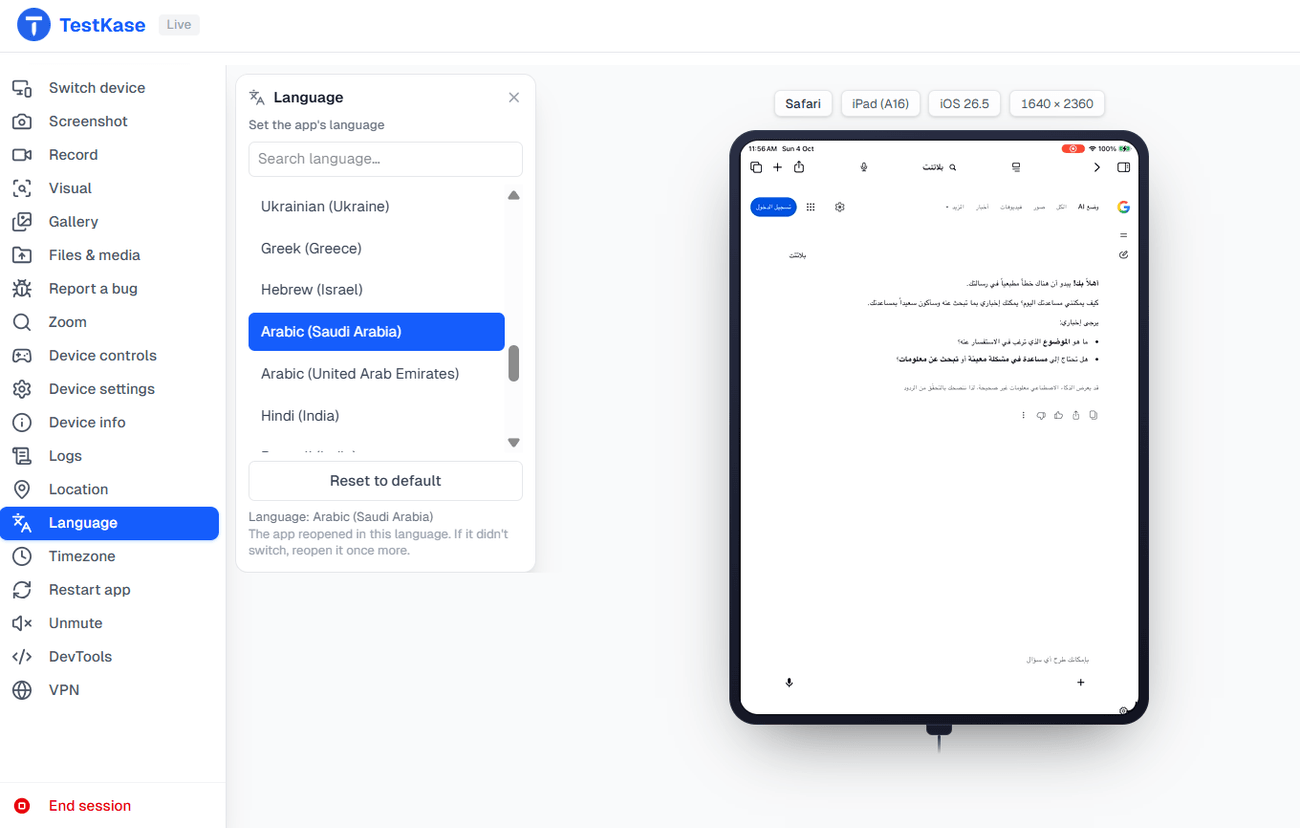
Test the app in their language
The language applies to the app you are testing, so set it before you build up screen state and it opens in that locale.
Arabic, Hebrew, Japanese — your app, relaunched
Switch the language and the app under test reopens in it, so you read your own strings and screens on real hardware.
Right-to-left, properly
Arabic and Hebrew mirror the whole layout — the failure a screenshot in a spreadsheet never catches.
The server sees it, not just the screen
On a browser the language sets the Accept-Language header, so the content your backend translates comes back translated too.
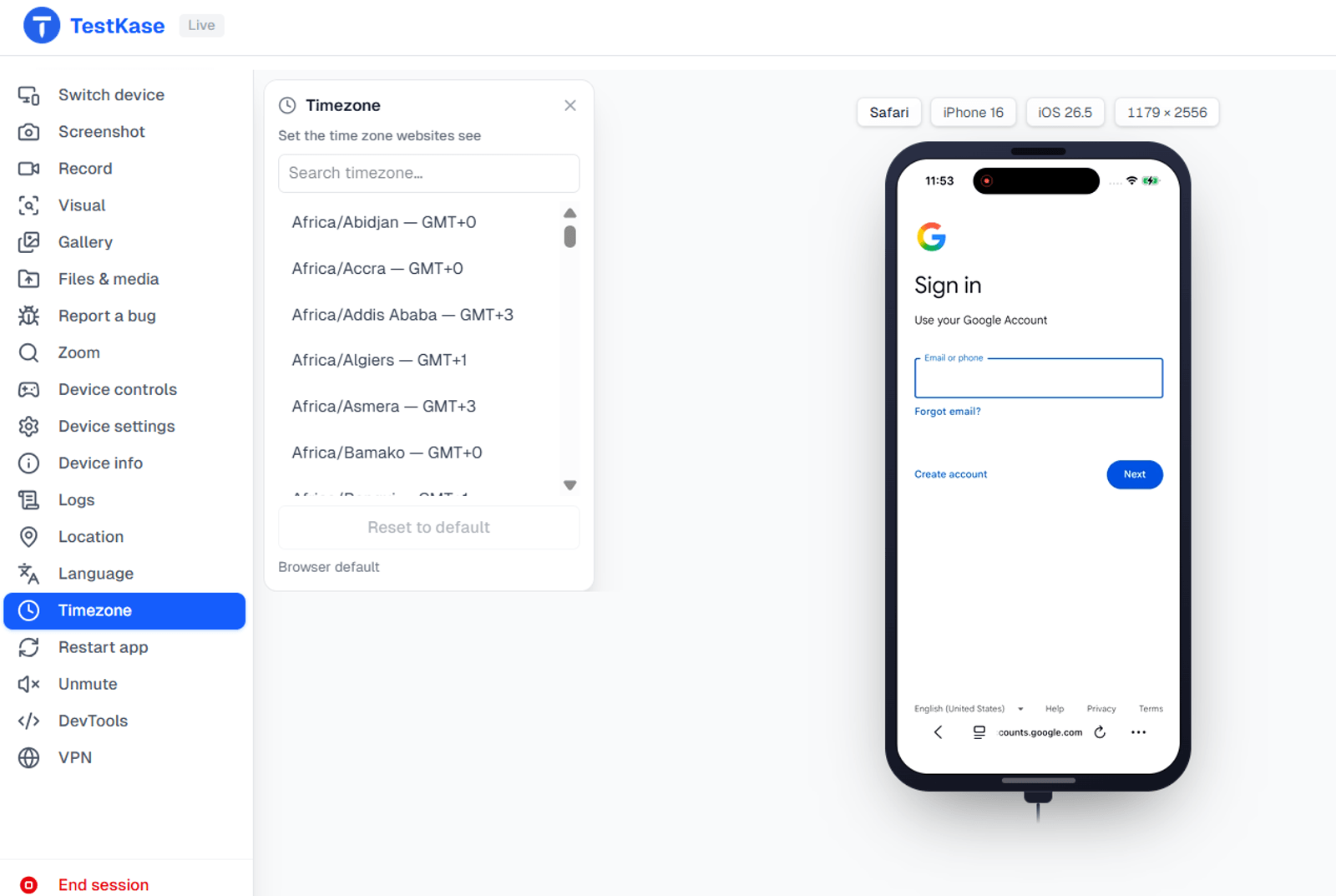
Move the clock, and the whole device moves
On a real phone the time zone is the device's own clock — the app, the status bar, notifications, ‘today’ boundaries and expiry all follow it. That is the class of bug a browser flag never reaches.
- The real device clock. Android and iOS both, device-wide — not a browser flag on a handset.
- Read back and confirmed. Every change is read straight off the device, so the session only says it worked once it has proof.
- Put back at the end. The original zone and the phone's own auto-detect are restored when you finish, so nobody inherits your settings.
Both controls, right in the session rail
Change the language and the time zone while you are looking at the screen — the same rail on a real phone as on a desktop browser.
Frequently asked questions
Yes, for the app you are testing. The app relaunches in the language you pick, so you see your own strings and layout on the real device. It is applied per app rather than to the phone's own menus — the same scope LambdaTest and BrowserStack offer — because both Android and iOS reserve device-wide language for system apps, and this way it works across the whole fleet including manufacturer skins like ColorOS, and clears itself when the session ends.
On a real phone, yes. The timezone is set at the device level on both Android and iOS, so the app, browser, status-bar clock, notifications and system dialogs all move with it. Auto time-detection is switched off first so the phone does not re-correct itself from the network, and it is turned back on when the session ends.
Chrome and Edge apply both language and timezone to a running session immediately, with no restart — reload the page and it is already in the new locale. Firefox applies the timezone live on version 130 and newer, and sets the language for the next launch, so the session restarts. Safari has no live override for either, so both are applied when the browser starts and the session restarts to pick them up.
On a browser, changing the language changes the Accept-Language header the browser sends, so content your backend translates comes back translated — not only the strings the front end handles.
Every change is read back off the device and verified before the session tells you it worked. Android will report success for a setting change it silently refused, so a set-and-assume flow would confirm changes that never happened — reading the value back is the only honest check.
No. Locale and timezone controls are a Live feature. Automate runs do not set the language, timezone, location or network conditions — a Playwright script that needs a locale sets it in its own browser context.
In a Live Chrome or Edge session, set the timezone in the rail and it applies to the running browser immediately — reload the page and it is already in the new zone, with no restart. On a real phone the timezone is set device-wide on both Android and iOS. Firefox applies it live on version 130 and newer, and Safari applies it when the browser starts, so that session restarts to pick it up.
Find the localisation bug before your users do
Open a session, switch language and timezone, and walk the flow the way someone in that market will.