Test what happens on a bad connection
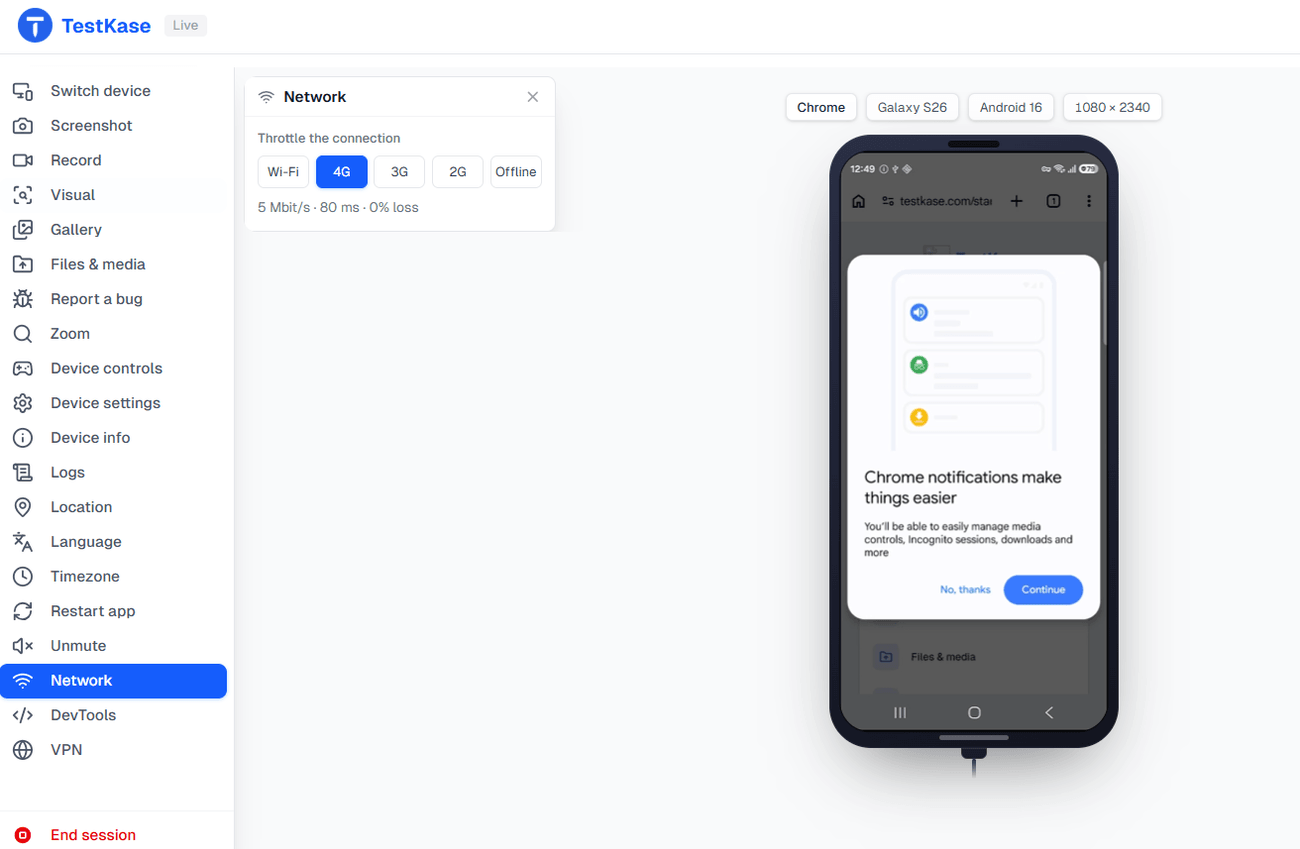
Drop a live session to 3G, 2G or fully offline and watch your loading spinners, timeouts and retries do what they really do. We slow the connection at the machine, not inside the browser — so Safari and Firefox act just like Chrome.
Five profiles · desktop browsers · switch mid-session
Switch profile mid-session — the whole device follows.
Five steps down from perfect
Switch between them without leaving the session — dropping from WiFi to 2G in the middle of a request finds the recovery path nobody tested.
- WiFiBaselineProve the bug is really about the network.
- 4GOn the moveWhere most of your users actually are.
- 3GMost bugs live hereSpinners and race conditions stop flashing past.
- 2GPunishingPremature timeouts and retry storms surface.
- offlineNothing at allCached content, queued writes, the real error message.
Slowed at the machine, not inside the browser
Browser throttling only slows what that one browser asks for, and Safari's tools can't throttle at all — so the browser where slow-network bugs show up most is the one you can't test that way.
| Browser DevTools | TestKase | |
|---|---|---|
| Safari | Can't do it | Same as Chrome |
| Latency | Faked | Real round trips |
| What slows down | Only page requests | Everything the machine sends |
| Setup | Per browser, by hand | Pick a profile |
Where it works today
The session can't grey out a throttle that won't apply, so check this before you plan around it.
| Desktop browsers | Supported | All five profiles. Chrome, Edge, Firefox and Safari, on macOS and Windows. |
|---|---|---|
| Android phones | Partly supported | Offline only. The 4G, 3G and 2G profiles will not slow a phone yet. |
| iPhone and iPad | Not supported | iOS does not let an outside tool slow the network. Use a desktop session. |
Frequently asked questions
Pick one of five profiles for a live session — WiFi, 4G, 3G, 2G or fully offline — and switch between them while you test. Your loading states, timeouts and retries then behave the way they do for a real user on that connection, not the way they do on your office WiFi.
Yes, exactly the same as Chrome. We slow the connection at the machine running the session, not inside the browser, so every browser is affected the same way — including Safari, whose own tools cannot throttle at all.
Real. The connection is shaped at the machine, so requests take real round trips at the profile's speed. Browser DevTools only pretend, and only for the requests that one browser makes.
On Android you can switch a session fully offline today; the 4G, 3G and 2G profiles do not slow an Android phone yet. On iPhone and iPad, iOS blocks any outside tool from shaping the network, so there is no throttling on iOS — run a desktop browser session to test slow-network behaviour. Desktop browsers support all five profiles.
Whether your cached content still shows, whether writes queue and send later, and whether the user sees a real error message instead of a dead screen. Offline is where you find out what your app does when the network simply is not there.
Five profiles — WiFi, 4G, 3G, 2G or fully offline — chosen per session and switchable while you test. They form an ordered scale from a normal connection down to no network at all, so you can drop from WiFi to 2G mid-request and find the recovery path nobody tested. Desktop browsers support all five.
Find the bugs that only appear on 3G
Most users are not on your office WiFi. Test the connection they actually have.