Catch a broken page before your customers do
Put your pages on a clock. We open each one in a real browser on our machines, compare it with the image your team approved, and email you only when something moved — no test suite, no CI, no code.
No SDK · no CI · no test code · desktop browsers
Next run
Tonight · 02:00 IST
03:11:48
until it runs
Recent runs
- Sep 26 · 02:00 2 changed
- Sep 25 · 02:00 matched
- Sep 24 · 02:00 matched
- Sep 23 · 02:00 matched
Your code didn’t change. Your page did.
A test suite catches what a developer changed on purpose. It is silent about the page that broke on its own — and you find out from a customer.
Someone edited the content
A CMS change ships a headline long enough to wrap into the button below it.
A third party changed under you
A consent banner or chat widget grows a new layout, and your page looks broken.
An asset stopped loading
A font CDN, an image host certificate, a logo that 404s. The page still returns 200.
An experiment escaped
A flag or a CDN dependency shifted for everyone. Nobody deployed anything.
One email, only when something moved
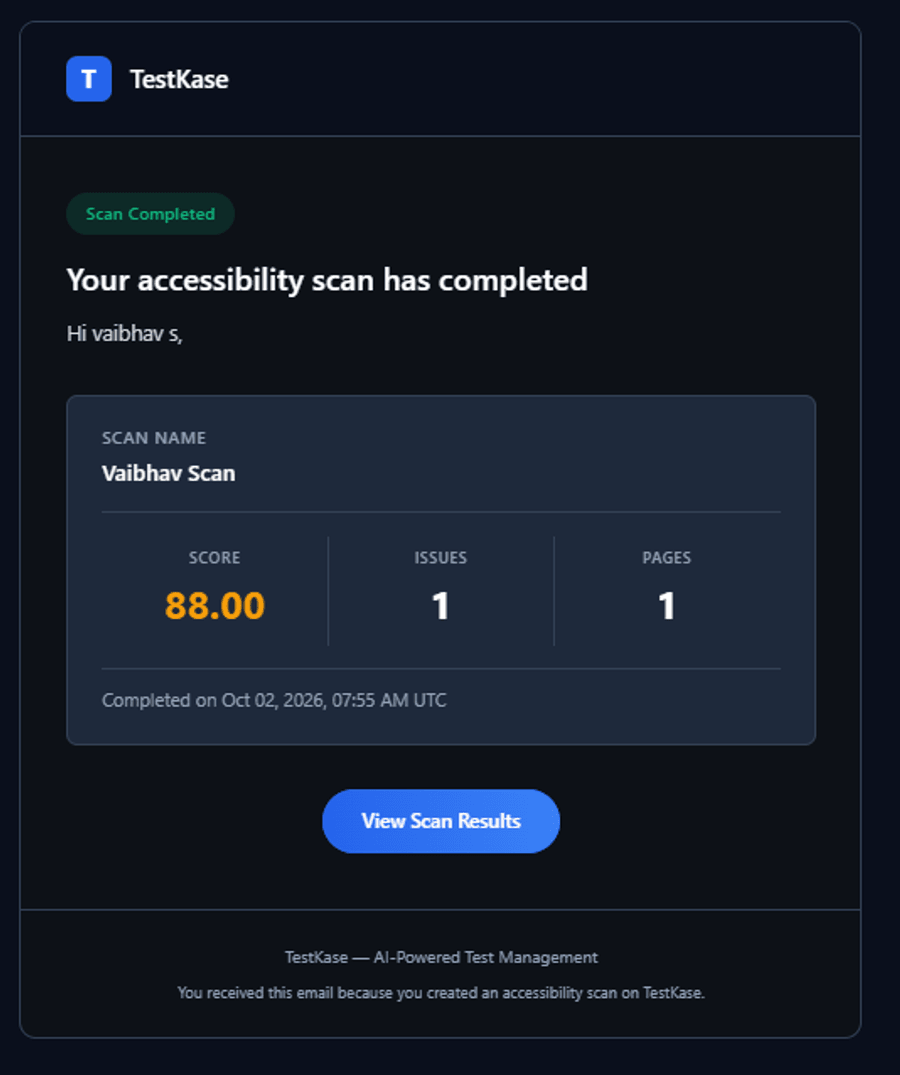
Give Visual a list of addresses and a cadence. It opens each page in a real browser on our machines, compares it with the image your team approved, and emails you the pages that changed. When nothing moved, nothing arrives.
How a schedule works
Six decisions, each visible in how it behaves.
The schedule belongs to the page
Watch the homepage daily and a legal page monthly. It is not one setting for a whole project.
Daily, weekly or monthly
Pick the cadence, the time and the timezone. Your morning, not ours.
Real browsers, our machines
Each page opens in a genuine browser on hardware we run. Nothing touches your side.
Compared to your approved image
The same baselines, threshold and ignore regions the rest of Visual uses.
Silent unless it changed
A run where everything matches sends no email — so the one that matters gets read.
Waiting is not failing
If every machine is busy the run waits, rather than crying wolf.
Match the clock to the page
Pricing, checkout, the homepage — anything a team can publish to without review.
The stable middle: product pages, docs shells, the top of your support site.
The pages nobody has opened in a year: legal, careers, old campaign landing pages.
One screen to decide
The email links straight to the two pictures side by side, difference marked. Approve it, make it the new baseline, or file it as a bug — the same review the rest of Visual already uses.
Frequently asked questions
No, and that is the point. You give Visual a list of page addresses and a cadence. There is no SDK to install, no CI pipeline to configure and no test code to write, so the person who cares about the page can set it up without involving a developer.
Daily, weekly or monthly, at a time and in a timezone you choose. Daily is the fastest cadence: this is change detection rather than uptime monitoring. If you need to know within minutes that a page is down, use an uptime check instead — a visual comparison is the wrong shape for that.
Nothing arrives. Only a run with changes sends an email. The matching screens are still recorded, so you can see the check ran and passed — but a tool that reports success every morning is one people learn to ignore, and then they ignore the one that matters.
The email is the newest part of this feature. It is built and has been exercised end to end, but if the report matters to you operationally, run a schedule once and confirm the mail arrives where you expect before you rely on it.
No. A scheduled run opens a public address and does not sign in. For pages behind a login, capture from a Live session where you have signed in yourself, or have an Automate test authenticate and capture as part of its run.
Not yet — scheduled runs are desktop browsers only. Visual capture on real phones and tablets does work, but from a Live session, which is a person driving a device rather than something a schedule can start. The mobile leg of scheduling is a known gap rather than a setting you are missing.
One per page per run, counted against your allowance of 5,000 snapshots a month on the paid plan. A daily schedule over twenty pages is roughly six hundred a month, so it is worth a moment's arithmetic before you schedule everything. Pages that rarely change are usually better watched weekly or monthly.
The run waits rather than reporting a false failure, so the report can arrive a little after the scheduled time. There is a backstop cap of ten runs in flight across the whole organisation, which paces bursts; it does not limit how many pages you can put on a schedule.
Those are triggered from CI or Storybook and are strong once you have a suite. None of them watches a page on a clock — their model assumes a commit is what changes your site, which is true for the application and false for the content, third parties, flags and assets around it. Use both if you have a suite; they are not competing for the same failures. Competitor positioning read on 10 September 2026 — check rather than trusting our summary.
Point it at the page you would be embarrassed to break
Pricing, checkout, the homepage. Set a cadence once and find out from us rather than from a customer.