Test on real Safari — on a Mac, an iPhone, or a simulator
Safari is the browser teams test least — and the one that breaks your site. Open real Safari from any computer, no Mac needed: real macOS, real iPhones and iPads, and iOS simulators.
No Mac required · desktop and mobile Safari · free device-minutes to try it
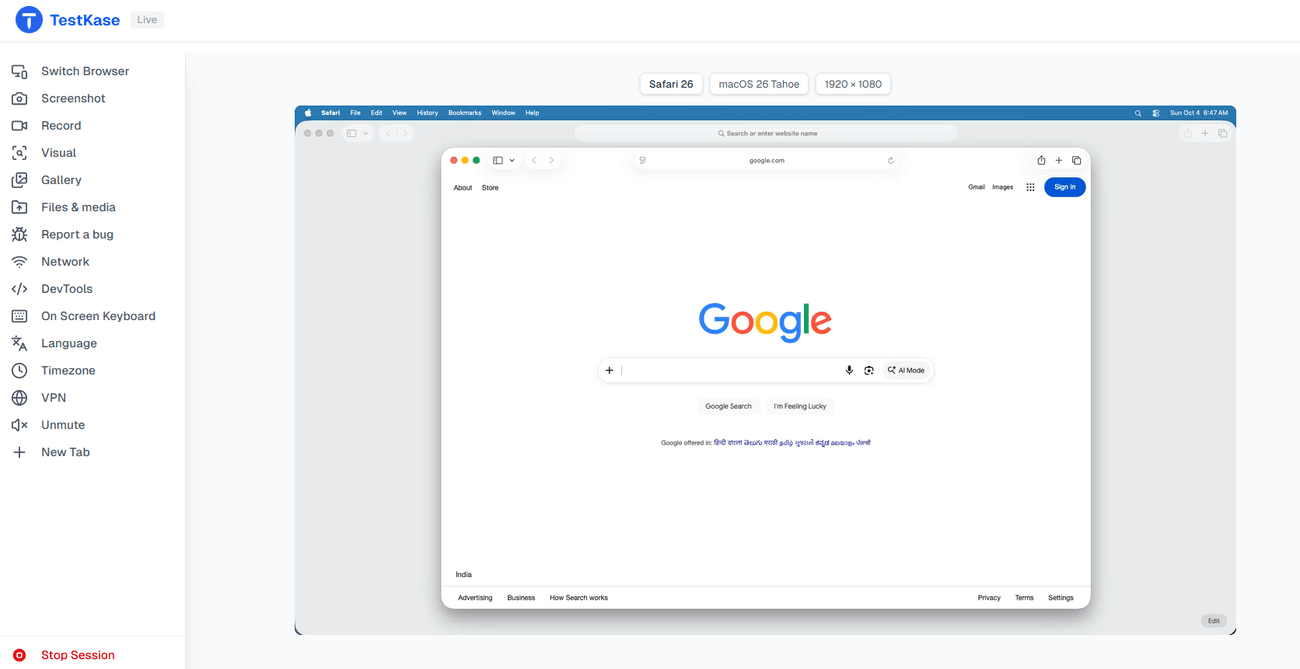
Genuine WebKit — real Safari, not an emulator
iPhone
real device
iPad
real device
Simulator
iOS simulator
Mac
desktop Safari
Current Safari, the version your users run · no Mac needed — free device-minutes to start.
If it works in Chrome, it can still break in Safari
Safari runs WebKit, a different engine from Chrome — and it powers every browser on iPhone and iPad, where much of your traffic already is. A site that works everywhere else can drop logins, break layouts or fail here with no error. Skip Safari and your customers find the bug before you do.
What actually breaks in Safari?
Storage and login persistence
Safari clears cookies and storage fast, so logins and “remember me” often stop working.
Media autoplay and formats
Autoplay rules and video formats differ from Chrome — a player that works everywhere else can just stop here.
Viewport and the keyboard on iOS
The address bar and on-screen keyboard resize the page, so fixed footers and pop-ups land in the wrong place.
Date, input and select controls
The controls are Apple’s own — a date picker that’s fine in Chrome can look completely different here.
Feature timing
New CSS and JavaScript features land on WebKit’s own schedule, sometimes with different defaults.
Scroll, sticky and momentum
Bouncy scrolling and sticky headers behave differently, so headers come loose and the page jumps to the wrong spot — on macOS and iOS.
Test on the real Safari your customers use
Real hardware, fast simulators, and desktop Safari — all from the browser you are in right now, no Mac required.
Safari on the devices your users actually hold
Real touch, keyboard and network on real iPhones and iPads — where most Safari bugs show up.
- Real touch, keyboard and radio
- iPhone and iPad hardware
- Where mobile bugs actually appear
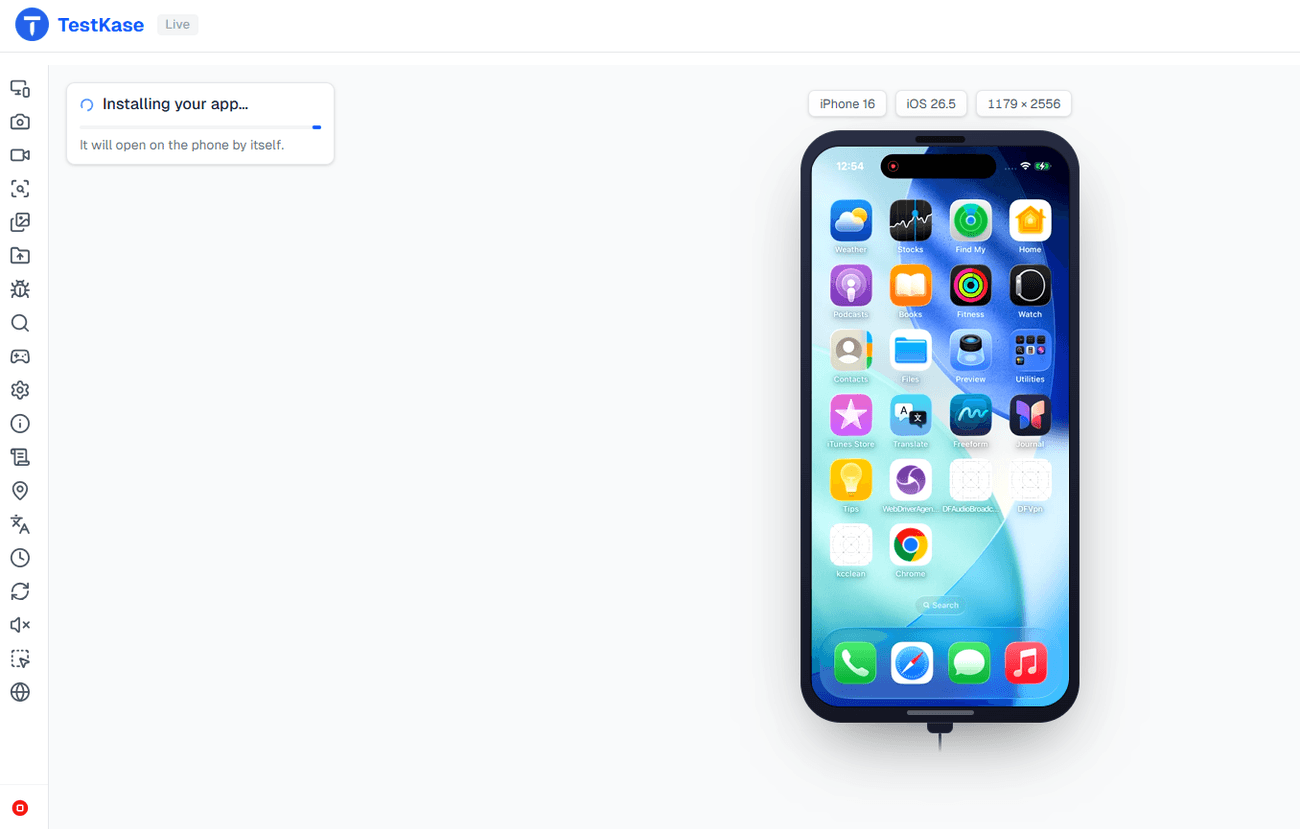
What you can do in a Safari session
Everything you need to find the bug and hand it over, in one session.
Real WebKit, current macOS and iOS
The same Safari that ships with each macOS and iOS — exactly what your users see.
Language and timezone
Set at the OS level before Safari launches, so the page loads just as a user in that region sees it.
Route through another country
Country routing happens outside the browser, so it works on Safari too — for sites that change by location.
Reach your own machine
Local Testing opens a site from your laptop or behind your firewall in the Safari session — no public URL, nothing deployed.
Capture and file it
Screenshot, record, compare against your approved baseline, and file a bug to your tracker with the evidence attached.
Switch browser without losing the session
Relaunch as Chrome, Edge or Firefox on the same Mac, or a Windows browser, and carry on in the same tab.
Real iPhone, iPad or simulator
Open mobile Safari on real hardware or a simulator, from the same picker, with the phone controls on the side.
Frequently asked questions
Yes. A macOS session opens real Safari on a real Mac; a real-device session opens it on a real iPhone or iPad; a simulator session opens it on an iOS simulator. All three stream to your browser, so you can drive them from Windows or Linux. Nothing is installed on your side.
Real Safari — the build that ships with that macOS or iOS version, on that platform. Not a WebKit nightly, not a Linux port, not an engine wrapped in another interface.
Safari on current macOS releases, and mobile Safari on current iOS, on real devices and simulators. We deliberately do not carry a decade of old Safari versions; if you need to test Safari 9, another vendor carries it and we would rather tell you that.
No. Safari's automation protocol does not expose console output or network data, on any platform and with any vendor. You get the rendered page, screenshots, recording and visual comparison. For console and network work, open the same page in a Chrome or Edge session and switch back.
No. They share an engine family but ship on different schedules and differ in the things that break sites: how the page resizes as the address bar hides, how the on-screen keyboard moves the page, touch versus hover, and media rules. Test both if iPhone users matter to you. A macOS session covers the desktop half; a real iPhone or a simulator covers the other.
Language and timezone, yes — set at the operating-system level before Safari launches, because Safari reads both at start-up. Location on desktop Safari, no — there is no coordinate override, so the control is hidden. On a real iPhone, location is set at device level and works.
Less than people expect. Every browser on iOS uses WebKit underneath — Chrome on an iPhone is Safari's engine with Chrome's interface — so testing mobile Safari covers the engine behind all of them. The interface differences are real but small.
Not on macOS — Safari sessions on a Mac carry no audio today. Real iPhones do have session audio.
Open real Safari in the next minute
On a Mac, an iPhone or a simulator — from the tab you are reading this in.