Capture what you found, before the session ends
Screenshots on every device and browser, recording where a bug is hardest to explain in words, and one gallery your whole team can open — so a bug report carries proof, not just a description.
Captured on the device · shared org-wide gallery · thirty-day retention
“Cannot reproduce” is how a real bug gets away
The tester saw it on a device they no longer have, and a written note rarely carries the bug to the next person. Capture the proof on the device itself — the fonts, the scaling, the exact broken frame — and there is nothing left to argue about.
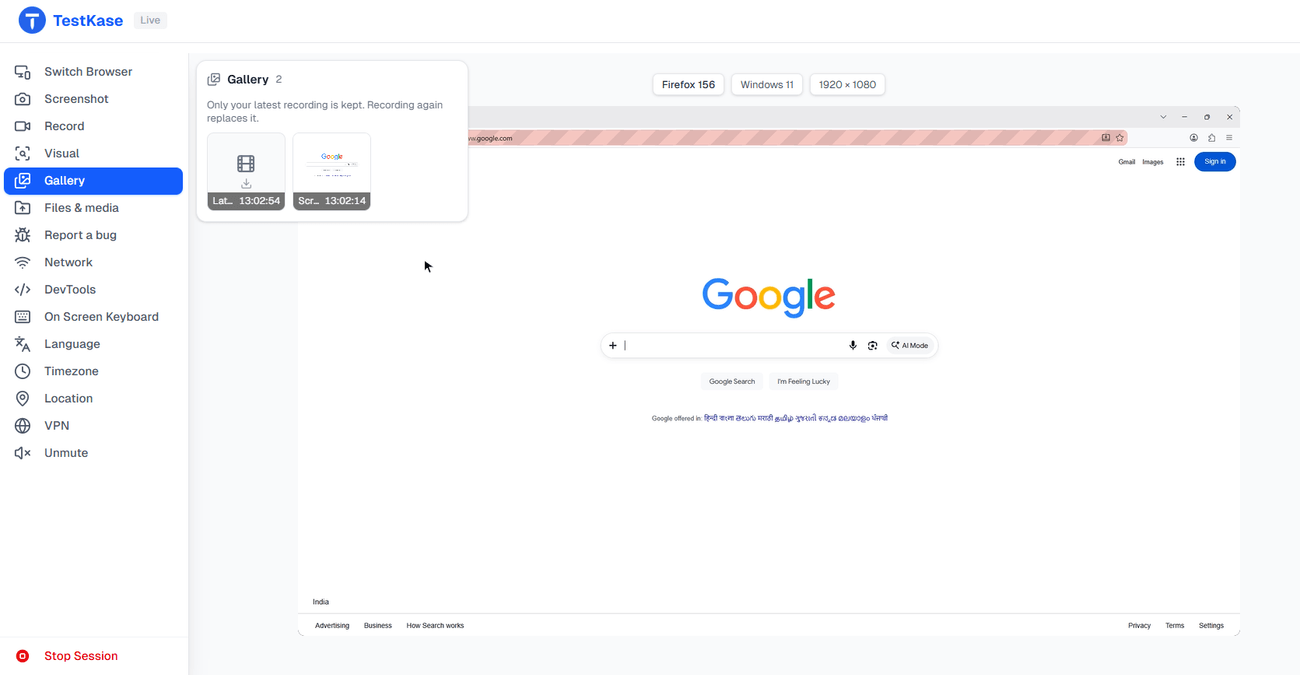
What lands in the gallery
Screenshot on any session
One click on the rail, on any device or browser. The shot is taken on the session's own machine, so you see exactly what that platform showed.
Record the reproduction
Press record, do the steps, stop. The clip is saved on the session's machine and uploaded at the end, so a slow connection never cuts it short.
One gallery, your whole team
Everything lands in one gallery shared across your team — not stuck on a device or in one person's chat.
Straight onto the ticket
Attach a capture to a bug you file from the session, so the proof lands on the ticket, not in a later message.
Check it against a baseline
The same button compares the screen to the image your team approved — a clear yes or no, not “does this look right?”
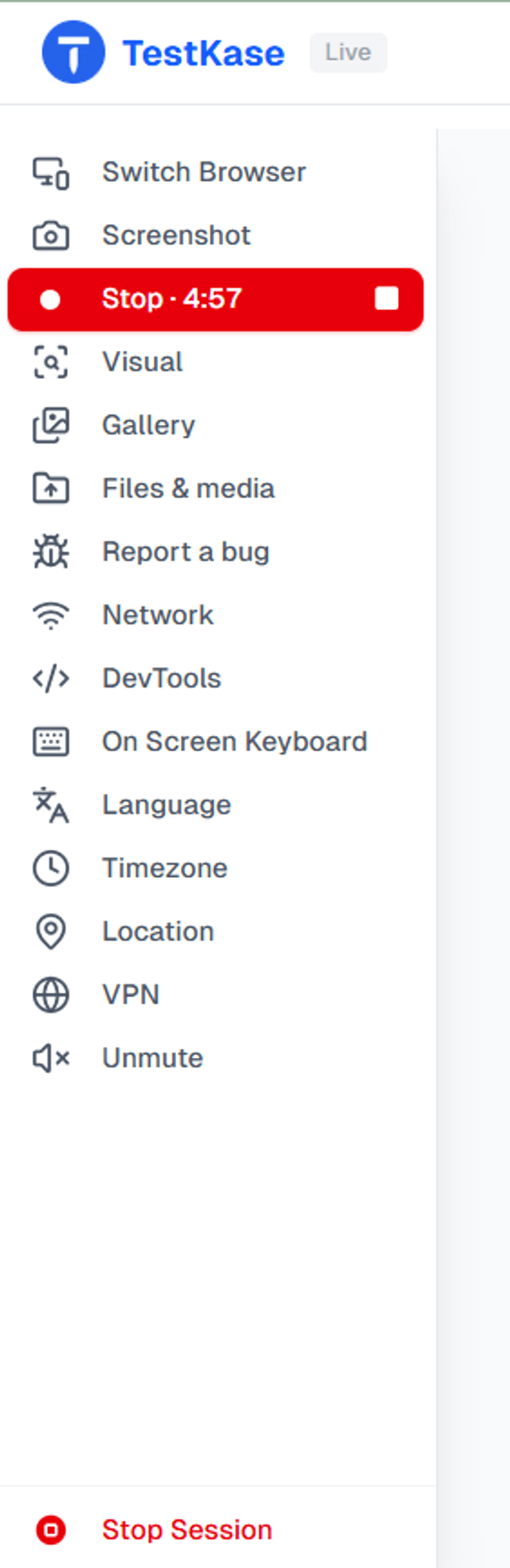
Record the three steps that trigger it
Some bugs only show up after a few taps. A recording shows the whole sequence, not just the end result — and it is made for a short reproduction, not a full archive.
- Recorded on the device. The recording runs on the session's machine. A slow connection changes when the clip shows up, never whether it is complete.
- Up to five minutes. A short clip of the reproduction. The five-minute limit is enforced on the recording machine, so it holds even if your tab closes.
- Yours to start. Recording starts when you press record — never on its own when a session opens.
Screenshots, everywhere
Every device and every browser we run — real phones, tablets, and desktop browsers on macOS and Windows alike.
Recording, where it counts
On real phones and tablets, and on macOS browser sessions — where a bug is hardest to explain in words.
Frequently asked questions
Yes. Press record on the session rail, do the steps that show the problem, and stop. The clip is saved on the machine running the session and uploaded when you finish, so a slow connection changes how soon it appears, not whether it is complete.
Five minutes per clip. The screen counts down, and the same limit is enforced on the recording machine, so a clip can never run longer even if your tab closes or the connection drops. It is made for capturing a reproduction, not archiving a whole session.
No. You can hear the device live while you test, but the recorded file is video only.
Into one gallery shared across your team, so anyone can open them instead of them living on a device or in one person's chat. Anything you capture can also be attached to a bug filed straight from the session.
Thirty days, on every plan, after which they are removed automatically. That is long enough to close a ticket; if you need something for longer, download it.
No, and the difference matters. The shot is taken on the machine or device running the session, so it shows what that platform actually drew — its fonts, its scrollbars, its scaling. A screenshot from your own computer's tool only captures the video stream as your monitor showed it, which can differ in exactly the ways you are testing for.
Yes — that is what the visual comparison does. The same capture action compares the screen against the image your team approved and reports what changed, with ignore regions for the parts that always move. It turns a vague 'does this look right' into a clear yes or no, and it is a separate feature, not a hidden mode of the screenshot button.
No — Windows browser sessions do not record today. Recording is available on macOS browser sessions and on real phones and tablets, and screenshots work everywhere, on every device and browser we run.
Not yet — you capture and attach, and any drawing on the image happens in whatever tool you already use. The capture is shared across your team from the moment it exists.
Stop losing the proof when the session ends
Open a session, reproduce the bug, and keep proof that anyone on your team can open.