Cross-browser testing, in real time
Spin up a real Chrome, Edge, Firefox or Safari on genuine macOS & Windows machines, streamed straight to your tab — then switch resolutions and debug with the browser's own DevTools, live.
Free device-minutes to start · no credit card required
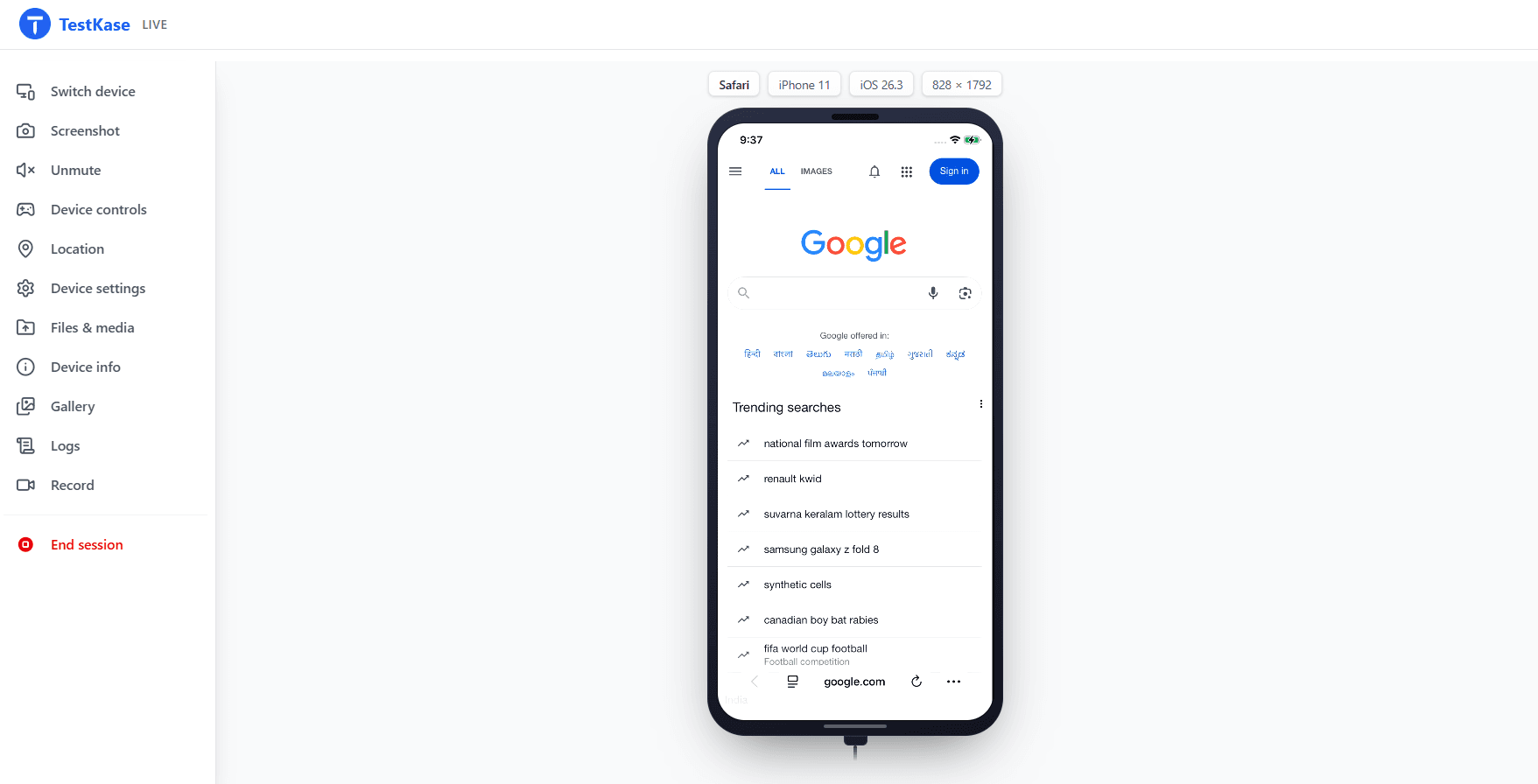
Every browser, on every OS, at every resolution
It's not one browser — it's the whole grid. Chrome, Edge, Firefox and Safari across real macOS and Windows, at the resolutions your users actually run.
 macOS
 Windows
 Chrome
 Edge
 Firefox
 Safari
Multiply the browsers by the operating systems by the resolutions and you get hundreds of real combinations — every one a genuine browser on a genuine machine, no emulated engines.
A live browser in seconds — nothing to install
No VMs to babysit, no local browser installs, no version drift on your own machine. Pick a browser and an OS, and a real session opens right in your tab.
- No local setup
Skip the download-and-install dance for four browsers on two operating systems.
- No VM babysitting
We run the real macOS and Windows machines — you just drive the browser.
- Always the real thing
A genuine browser build on a genuine OS, streamed live — not an emulated engine.
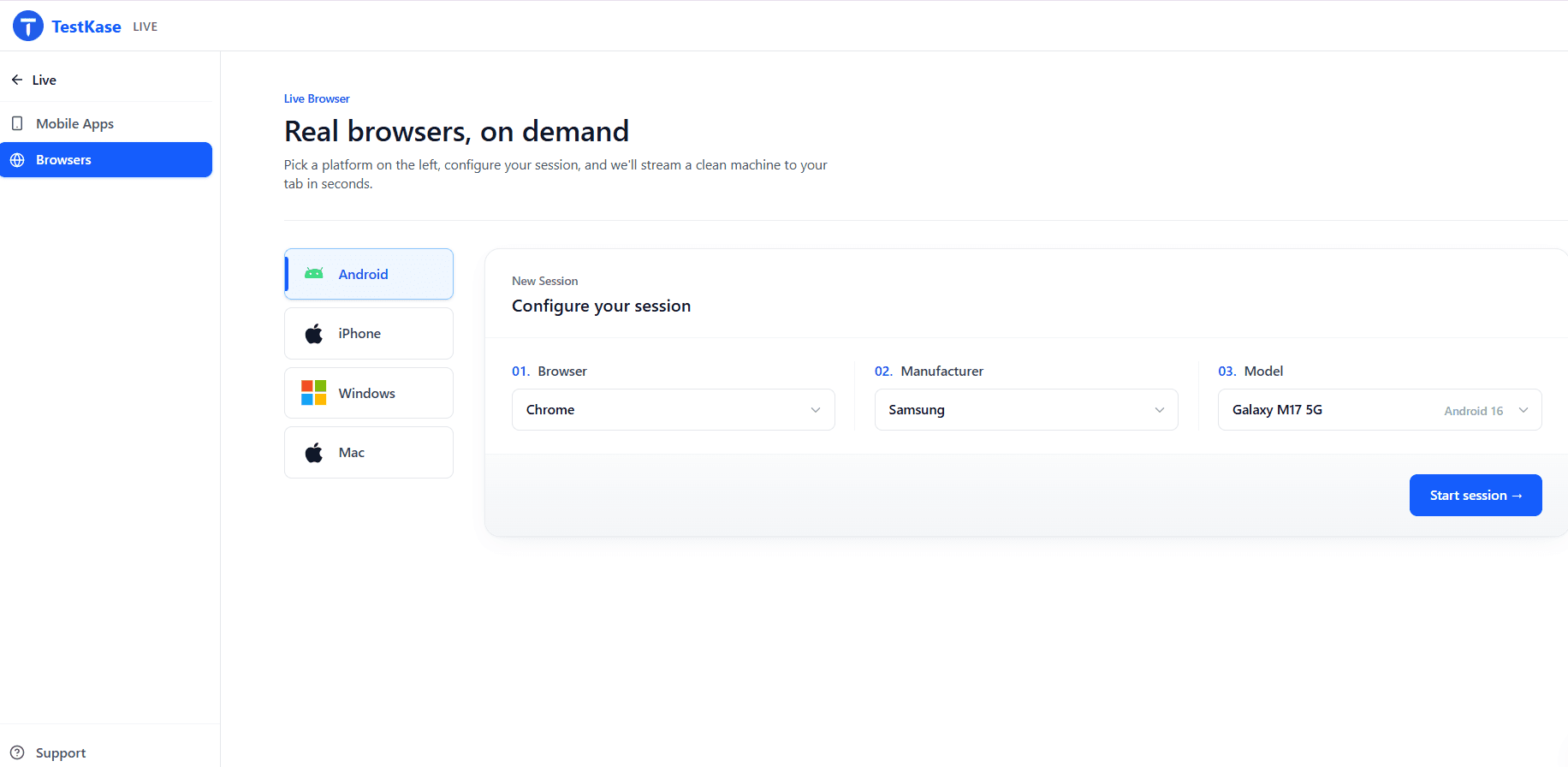
Every breakpoint, without a machine for each
Pick the viewport when you start, and use Switch Browser to jump to another size — the same browser and OS, relaunched at the new resolution.
Step through the breakpoints on the same browser and OS to confirm your responsive design holds up at every size.
Debug in real time with the browser's own DevTools
This is a real browser, so its real developer tools come with it — inspect, reproduce and capture without leaving the tab.
Native DevTools, inside the session
Open Chrome DevTools or Safari's Web Inspector in the live browser — inspect the DOM, tweak CSS, and read the console just like you would locally.
Everything you capture lands in one place
Screenshots and recordings collect in the session Gallery, so the evidence for a ticket is gathered as you go rather than hunted for afterwards.
Screenshot & record the repro
Grab a screenshot of the exact state, or record the whole session as video to attach to a ticket.
A full toolbar around every live browser
Everything you need to reproduce and capture an issue — one click away, without leaving the tab.
Real devices and virtual devices, in one product
Live is not a real-device cloud with emulators bolted on, nor an emulator service that also rents phones. It is one picker with both in it, one control rail, and one set of evidence — so the choice is made per test rather than per subscription.
Real devices
Physical iPhones, iPads and Android phones and tablets, plus real macOS and Windows machines. The only place that answers questions about touch, camera, sensors, cellular behaviour, battery or how something actually feels — and where a release gets signed off.
Real Device Cloud →Emulators and simulators
Android emulators running genuine Android, and iOS simulators running real WebKit, on our machines. Faster to open and available in breadth — the right tool while you are still changing your mind, and honest about what it cannot see.
Virtual Device Cloud →A virtual device is always labelled as one and never substituted for a phone you asked for. Which one answers which question goes through it properly.
Explore Live
Everything a live session can do, one page each.
Frequently asked questions
Real Chrome, Edge, Firefox and Safari, running on genuine macOS and Windows machines. Safari is macOS only — Chrome, Edge and Firefox are available on both. These are real browser builds on real machines, not emulated engines.
Yes. You pick the desktop resolution when you start a live browser session, and Switch Browser relaunches the same browser and OS at a different size — so you can walk your breakpoints without setting up a machine for each one.
Yes — the browser is streamed live to your tab and you drive it directly. Click, type and scroll, and you're interacting with a real browser as it happens.
No. There's nothing to download and no VM to run locally — the real browser opens right in your tab. Pick a browser and OS and you're in.
No — Safari runs on macOS only, so there is no Safari on Windows here. Chrome, Edge and Firefox are available on both macOS and Windows; for Safari, start a macOS session.
Yes. Because it's a real browser, you get its own developer tools — Chrome DevTools or Safari's Web Inspector — inside the live session, plus screenshot and screen-recording to capture a repro.
Yes, on the Real Device Cloud — same live sessions, on real iPhones, iPads and Android hardware. This page is for desktop browsers; for phones and tablets head there.
Real browser builds on genuine macOS and Windows machines, not emulated engines. Real devices and virtual devices live in the same picker, so you can also pick Android emulators running genuine Android or iOS simulators running real WebKit when you need to cover more — and a virtual device is always labelled as one, never substituted for hardware you asked for.
Every account includes free device-minutes for its lifetime, and you can spend them across as many parallel sessions as they cover — the minutes are the only limit. No credit card required to start.
Cross-browser testing free — no credit card required
Open a real Chrome, Edge, Firefox or Safari on macOS or Windows in your tab in seconds. No credit card required.