Run your build on a real phone, from your browser
Upload the .apk or .ipa your pipeline just made and drive it on real hardware — no device lab, no provisioning profiles to manage, and no Apple ID on the device for your own build.
Free device-minutes to start · no credit card required
You built it. Now put it on the phone your customer actually holds.
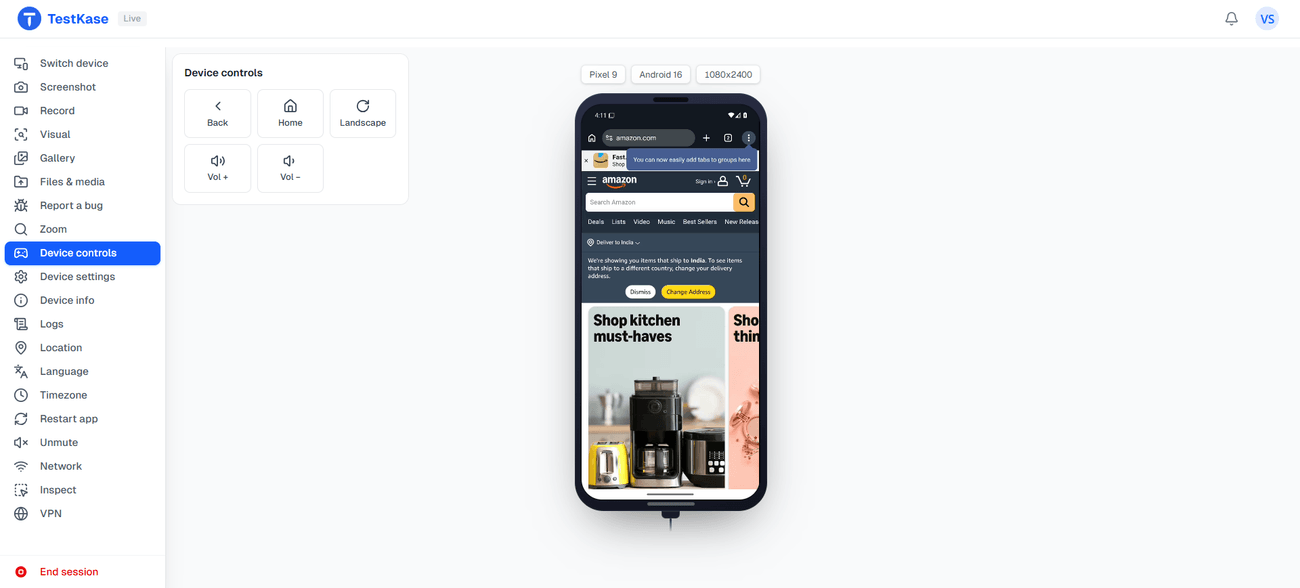
No device lab to buy, no provisioning profiles to wrangle, no borrowing a colleague's iPhone. Drop in the build your pipeline just made and it is running on real hardware in seconds — in a browser tab.
From build to running app in three steps
- 1
Upload your build
Drag in the .apk or .ipa your pipeline just made — or reuse one you sent earlier.
- 2
Install on the device
Pick the exact handset and OS version. We put your build on it in seconds.
- 3
Open and test
Drive the app by hand on real hardware, right in your browser tab.
Two ways onto the device
Drop in an .apk or .ipa
Install the build straight from your pipeline — with no Apple account and no provisioning profiles to manage.
- No Apple ID needed on the device
- Reuse a previous build or pin an older one
- Installs on any device in the fleet
Install a published app
Testing against something already on the App Store or Play Store? Open the store in the session and sign in with your own account.
- Yours or someone else's public app
- On iOS, the device fully erases at the end — your account never follows you off it
Not a simulator — the actual device
Real touch, real performance, real OS quirks — exactly what your customer will feel.
Pixel 8 Pro
Android 14
Galaxy S24
Android 14
OnePlus 12
Android 14
iPhone 15 Pro
iOS 17
iPhone 15
iOS 17
iPhone SE
iOS 17
Frequently asked questions
.apk for Android and .ipa for iOS, up to 500 MB. Android App Bundles (.aab), along with .apks and .xapk, are not accepted — build an APK and upload that.
No. Your own iOS build installs without signing into any account on the device. We handle signing, so you never enrol devices or manage provisioning profiles yourself.
Your UI, your flows and your network calls behave as they do in a normal build. To install without you enrolling every device, we re-sign the iOS build with our own signing identity and rewrite its bundle id — so features tied to your signing identity can break: push notifications, Apple Pay, App Groups and shared containers, and iCloud and CloudKit. Android needs none of this and installs exactly as you built it.
Yes. Open the store in the session and sign in with your own account to install a published app — yours or someone else's. On iOS, signing into a real Apple ID triggers a full erase of the device at the end of the session, so your account never carries over to whoever gets the device next.
Signing into a real Apple ID triggers a full erase of the device at the end of the session, so your account never carries over to whoever gets the device next.
Up to 10 builds per platform, per user, each addressable on its own so you can pin an older one. Uploaded builds are removed after 90 days.
A real phone in our device cloud. You drive the actual hardware and the real OS from your browser — not a simulator running on a server.
Yes. Upload the .apk your pipeline just made and it installs on a real phone in our device cloud in seconds, which you then drive by hand from a browser tab — no device lab of your own. Builds go up to 500 MB, and App Bundles (.aab) are not accepted, so build an APK and upload that.
Test the build, not a simulator
Real hardware, real touch, real performance — in a browser tab.